I Didn't Get Any Names! What Now?
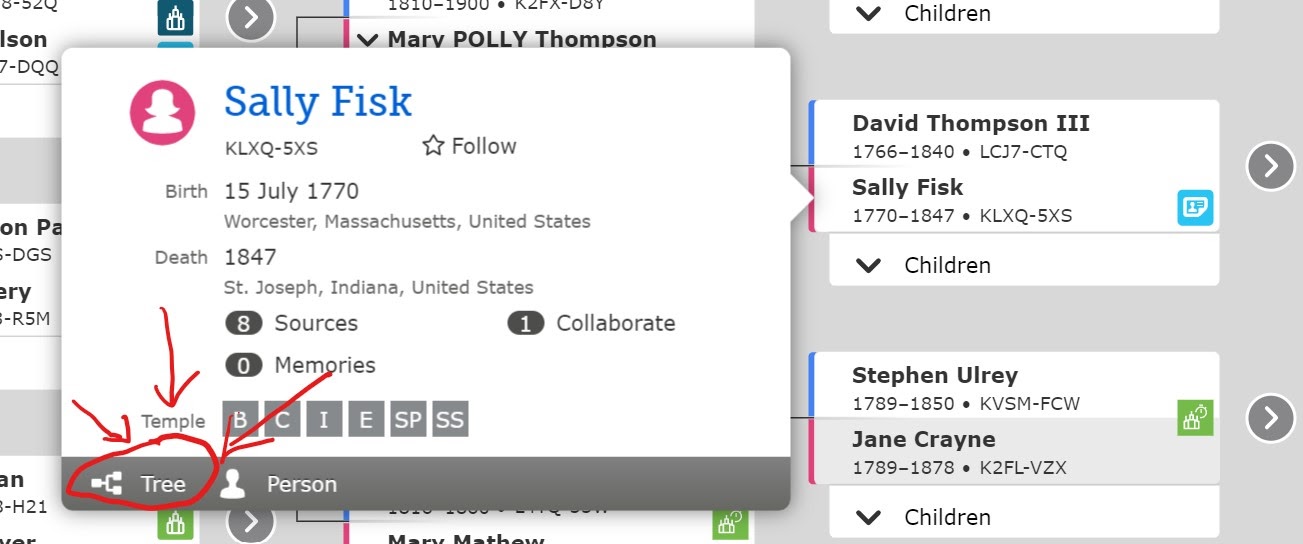
A search with no results can be frustrating. If your search was less than sixty seconds long, didn't end in a completion notification, ended in an error, or never showed signs of moving through the tree — refresh the page and try again. Make sure you have opened the tree of the individual on whom you'd like to start the search.
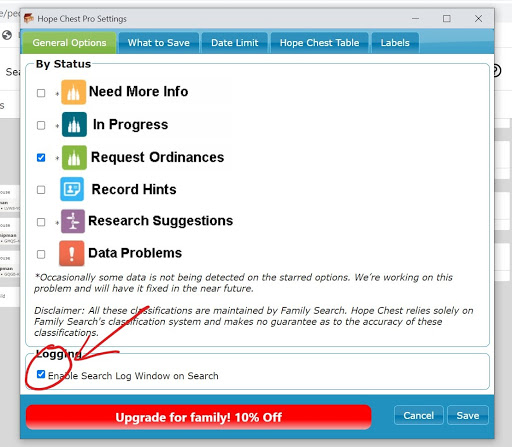
If you're still not getting results, check the Hope Chest log. The log shows in (almost) real time each name Hope Chest checks, whether it was saved, and why. Make sure the log box is checked in settings before starting your search:
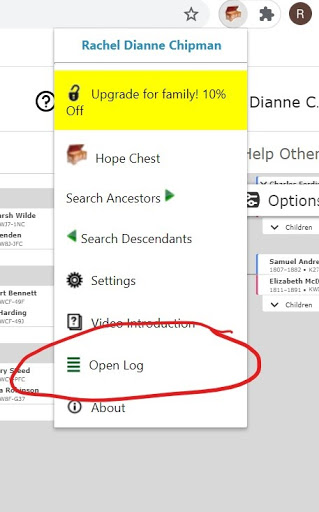
Then, after starting your search, open your Hope Chest menu and click Open Log:
Here's what you'll see:
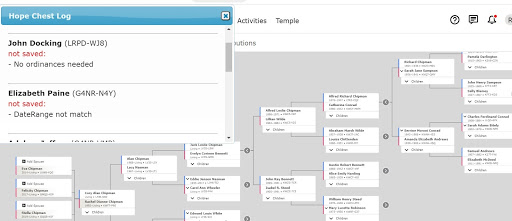
Glancing over the log can make it easy to spot trends: too narrow a date range, names with duplicates, etc. If a setting is eliminating lots of results, adjust and try again.
Questions? Email us at [email protected].